
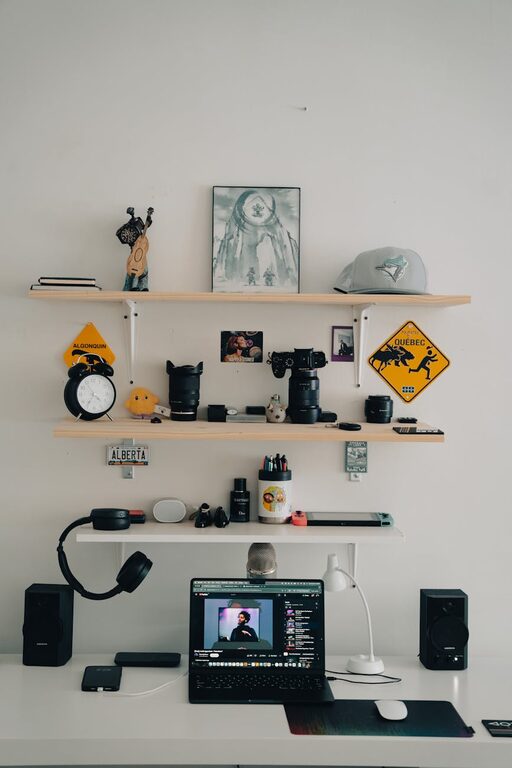
In today’s world, our digital devices hold a huge amount of information—from photos and emails to apps and documents. Over time, this digital clutter can slow down our devices, increase stress, and make it harder to find what we really need. Just like tidying a physical space, decluttering your digital life can bring peace of mind and improve productivity.
This guide will walk you through simple steps to clean up your digital world in a manageable way.
Why Declutter Your Digital Life?
Before jumping in, it helps to understand the benefits of decluttering digitally:
– Faster device performance
– Easier access to important files
– Reduced stress and improved focus
– Enhanced privacy and security
– More organized digital habits
Step 1: Organize Your Files and Folders
One of the biggest sources of digital clutter is disorganized files scattered across desktop, downloads, and cloud storage.
Tips for File Organization
– Create a clear folder structure: Use categories like Work, Personal, Photos, and Projects. Keep subfolders few and meaningful.
– Delete duplicates: Use tools or manually check for repeated files and remove them.
– Name files clearly: Use consistent, descriptive names including dates when helpful (e.g., “Invoice_2024-05-10.pdf”).
– Back up important data: Use an external drive or reliable cloud service to protect essential documents.
Quick File Declutter Routine
- Set a timer for 30 minutes to focus purely on file organization.
- Sort files into new folders right away.
- Delete or archive files you no longer need.
Step 2: Tackle Your Email Inbox
A cluttered inbox is a common digital headache, but managing it efficiently can save hours.
Strategies to Manage Emails
– Unsubscribe from unwanted newsletters: Use services like Unroll.Me or manually unsubscribe.
– Set up filters and labels: Automatically sort incoming mails into folders like “Work,” “Family,” or “Receipts”.
– Archive or delete old emails: Keep only necessary emails in your main inbox.
– Schedule email time: Check and respond to emails at set times rather than constantly.
Inbox Declutter Challenge
Try aiming to achieve “Inbox Zero” by processing, responding, or deleting every email. Use the two-minute rule: if it takes less than two minutes to deal with, do it immediately.
Step 3: Manage Your Apps and Devices
Unused apps can take up storage, distract you, and even slow down devices.
How to Clean Up Apps
– Review installed apps: Delete those you no longer use or need.
– Limit notifications: Turn off unnecessary notifications to reduce distractions.
– Update apps regularly: Keep them up-to-date for security and efficiency.
– Organize apps into folders: Group by category (e.g., Social, Productivity, Games).
Devices to Check
Don’t forget other connected devices like tablets, smartwatches, or old phones. Clean them up or reset if unused.
Step 4: Declutter Your Browser
Web browsers accumulate cookies, saved passwords, and bookmarks that can get messy.
Browser Declutter Tips
– Clear cache and cookies: This can improve speed and privacy.
– Review saved passwords: Delete any you no longer use or update weak passwords.
– Organize bookmarks: Delete outdated links and group useful bookmarks into folders.
– Limit open tabs: Use one tab per task and close when done, or use apps that save tabs for later.
Step 5: Manage Photos and Videos
Digital memories are precious, but large collections can be overwhelming.
Organizing Media Files
– Delete blurry or duplicate photos: Keep the best versions only.
– Use albums and tags: Group photos by event, date, or people.
– Back up media: Cloud services or external drives protect your memories.
– Consider photo management software: Some apps help automatically organize your pictures and suggest deletions.
Step 6: Create Ongoing Digital Habits
Decluttering is easier when it becomes part of your routine.
Daily and Weekly Habits
– Spend 5–10 minutes daily deleting unnecessary files and emails.
– Set a weekly “digital maintenance” time to tidy folders and review apps.
– Regularly review subscriptions and online accounts.
– Use productivity tools like to-do lists and calendar reminders.
Final Thoughts
Decluttering your digital life might feel overwhelming at first, but breaking it down into these steps makes it manageable. The key is consistency and building habits that keep your digital world organized and stress-free. By regularly caring for your digital space, you’ll boost your productivity and enjoy a calmer, more efficient day-to-day experience.
Start small, celebrate progress, and enjoy the clarity that comes with a well-organized digital life!